
Social proof notifications for GoHighLevel, told honestly
Social proof notifications for GoHighLevel pages: 94 templates in 32 types, from video bubbles and countdown collectors to review cards and live counters. Try them right here, then switch them on from your account for registration and replay pages.
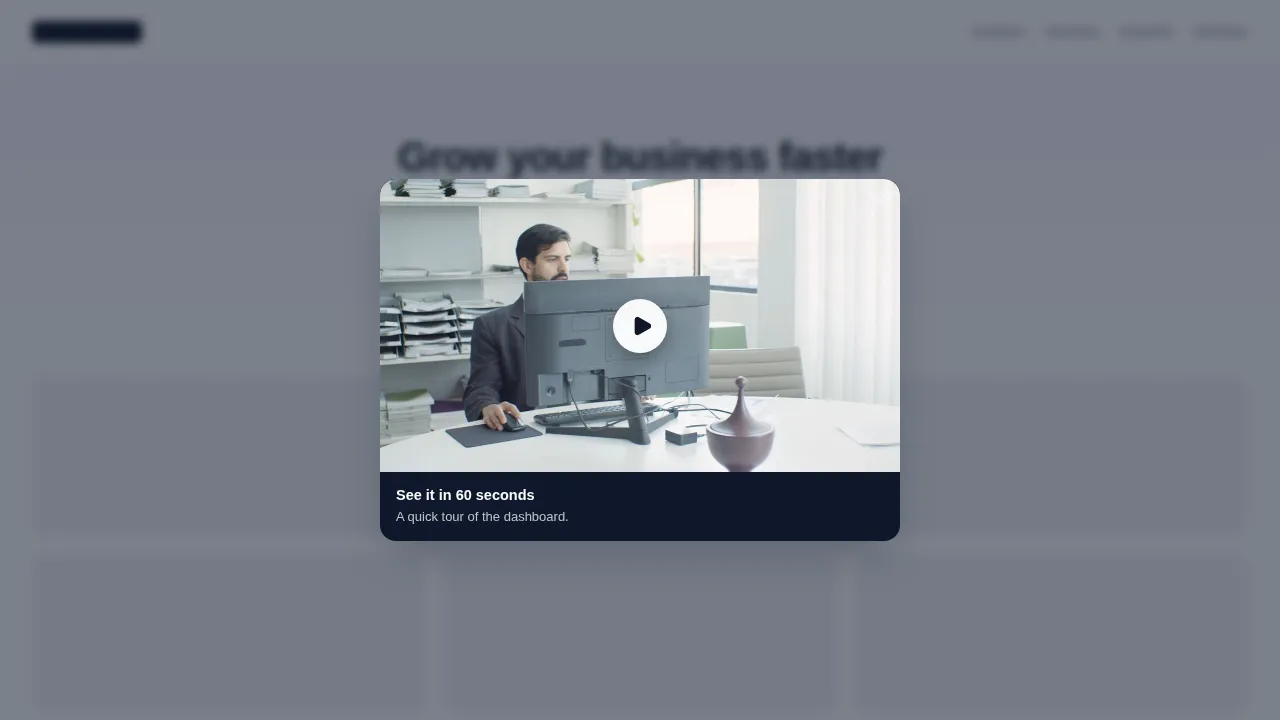
Now showing: Video modal. Each chip is a real template. Forms, wheels and ratings are interactive; in the preview nothing is sent anywhere.
What social proof notifications do on a webinar page
A social proof notification is a small widget that shows visitors what other people are really doing (registering, reviewing, watching) or gives them one clear next step. On a webinar page it answers the visitor's quiet question: is this worth an hour of my time?
Only show what is true
Use counters and recent-activity widgets for real registrations and real reviews. If you do not have the numbers yet, use a host video, an agenda announcement or a real deadline countdown instead. Fake scarcity costs trust and can fall foul of advertising rules; honest proof keeps working launch after launch.
32 types in 7 groups
Every type in the editor, grouped the way the preview groups them, with the number of templates in each group.
A short welcome or trailer video on a registration page, a video bubble in the corner, audio and image cards.
Video, Video bubble, Audio player, Image
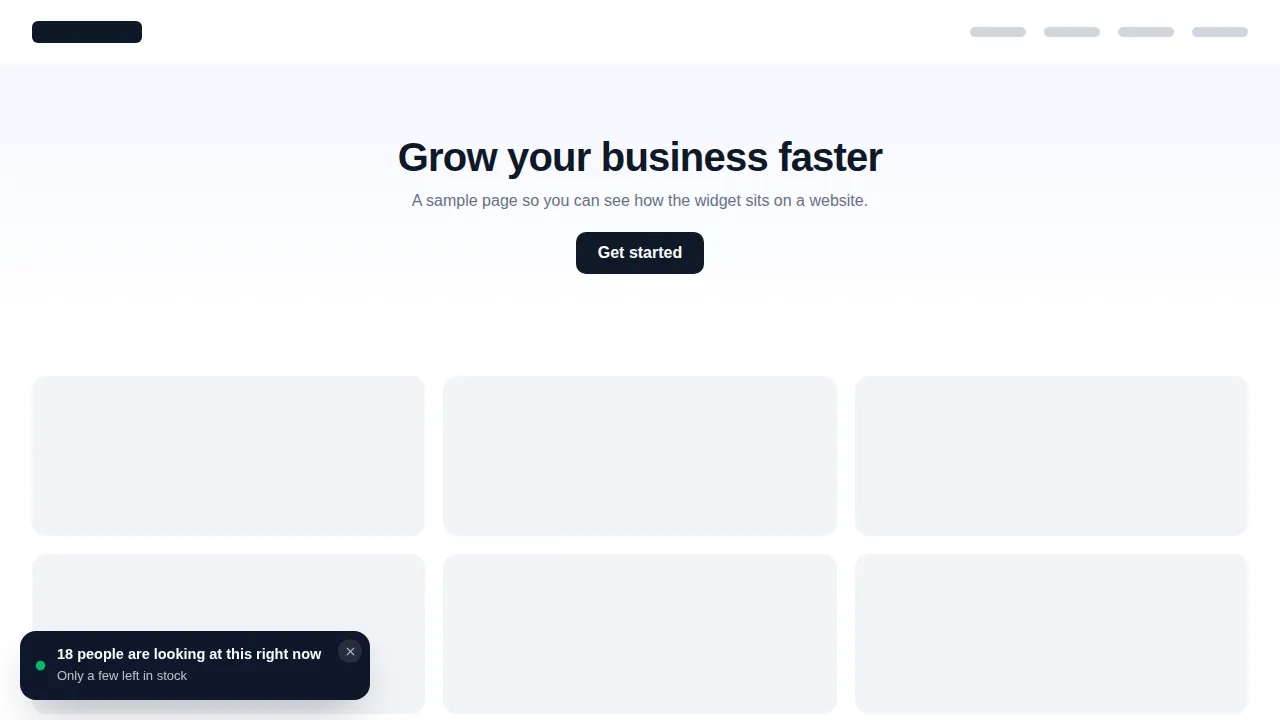
Recent sign-ups, live counters, reviews and rating summaries, drawn from real activity.
Recent conversions, Conversions counter, Live visitor counter, Reviews, Rating summary
Email and request collectors, countdown collectors for "doors close" moments, custom forms and a spin wheel.
Email collector, Request collector, Countdown collector, Custom form, Spin the wheel
Informational notes, coupon cards, countdown calls to action, buttons and cookie notices.
Informational, Coupon, Countdown CTA, Button bar, Cookie notice
Emoji, score and text feedback after a session or on a replay page.
Emoji feedback, Score feedback (NPS), Text feedback
WhatsApp, Telegram and Messenger buttons, a contact card and an FAQ panel.
WhatsApp chat, Telegram chat, Messenger chat, Contact us, FAQ / Help center
Social share, link lists, badges and an RSS feed card.
Social share, Engagement links, Badge, RSS feed
Host video on the registration page
A video modal or bubble with a one-minute "here is what you will learn" from the host, placed beside the form.
A real deadline on the replay page
A countdown collector for the moment the replay comes down, with a short form for people who want a reminder.
Reviews from past attendees
A review card or rating summary from genuine reviews, so new visitors see what the last cohort thought.
Feedback straight after the session
An emoji or score widget on the thank-you page that tells you which part of the webinar landed.
A form and a hope
- Registration page with nothing that says others came
- Another monthly tool just for proof widgets
- No quick way to ask attendees how it went
Proof, deadline and next step on the page
- Real activity and reviews, shown calmly
- Countdown and video widgets from the same account
- Leads from widgets landing in GoHighLevel
Four steps, then pick a notification
Notifications ride on the same one-line install as the rest of your account. The install guide shows where the line goes.
Choose a package and pay once
Pick Live Start, Stage Pro, Main Event and pay by card through Stripe. It is a one-time payment for a lifetime account: no subscription and no renewal.
Get your login by email
The account is created automatically and your login (email and a temporary password) arrives by email, usually within minutes and at most 24 hours.
Customize in the live editor
Log in, pick a theme, login design, menus, dashboard and widgets, and watch every change on a live preview before anything reaches your clients.
Paste one line into GoHighLevel
Paste one line of code into Agency Settings, Company, White Label, Custom JS (plus one CSS line for the login page). About 2 minutes, once; later changes go live instantly.
Included from Main Event
94 notification templates with up to 15 live at once, plus popups, calculators, floating widgets and a white-label editor. One-time payment, lifetime access. Login emailed within minutes (max 24 hours).
Notification questions
What the widgets show, how to keep them honest, and which package includes them.
What are social proof notifications for GoHighLevel?
Which package includes notifications?
Do the counters show real numbers?
Can I show a countdown to the webinar start?
What does the video modal template do?
Why is there a limit of 15 live notifications?
Do notifications work inside GoHighLevel as well as on websites?
Where do form submissions from a notification go?
Will notifications distract from the registration form?
More for the registration page
Combine a notification with a popup template or a no-show calculator, or head back to the GHL Customizer Studio overview.
Dashboard designs
Dashboard designer: 18 sub-account dashboard designs, tried live on a sample webinar launch dashboard.
From Stage ProThemes and dark mode
27 themes, 11 UI kits, dark mode, brand colours and logo for every GoHighLevel screen.
From Live StartPipeline boards
Pipeline board designer: 12 opportunities board designs, tried live on a sample registrant pipeline.
From Stage ProMenus and navigation
Menu layouts: sidebar or top bar, 8 top-bar styles, 8 mega menu styles, 8 header styles and a floating quick menu.
From Live StartContact actions bar
Contact actions bar: quick tags, custom-field forms and workflow buttons on every GoHighLevel contact.
From Stage ProLogin page designs
16 animated login page designs for the GoHighLevel sign-in, two-factor and password reset screens.
From Live StartCalculator widgets
Calculators: 134 templates in 14 types (no-show, ROI, stack replacement, speed to lead and more) for websites and funnels.
From Main EventPopup templates
Popups: 43 templates in 7 formats for inside GoHighLevel and for websites and registration pages.
From Main EventFloating widgets
Floating widgets: 51 templates in 7 types, with 34 networks and leads sent into GoHighLevel.
From Main EventLet real attendees make the case
Notifications and social proof come with Main Event, alongside popups, calculators, floating widgets and the white-label editor.
One-time payment · login emailed within minutes (max 24 hours) · we never ask for your GoHighLevel password
GHL Webinar Snapshot is an independent team and is not affiliated with, endorsed by or sponsored by HighLevel, Inc. GoHighLevel and HighLevel are trademarks of their owner and are used here only to describe compatibility. The GHL Customizer account runs on the GHL Customer Care customizer platform; you customize and install it yourself. Prices are one-time, in USD, and come from our pricing file (last updated 2026-10-02).