Evergreen webinars are one of the most powerful tools in modern marketing. They let you generate leads, build authority, and close sales around the clock without being live every week. But the real magic happens when your webinar is fully automated and connected to a smart CRM system.
That’s where an Evergreen Webinar Snapshot setup inside GoHighLevel becomes a game changer.
Instead of juggling landing pages, email tools, reminder systems, and CRMs, you can build everything inside one unified platform. When set up correctly, your evergreen webinar can register leads, send reminders, track attendance, deliver replays, and follow up automatically, all. At the same time, you focus on serving clients or scaling your business.
Key Takeaways
- How an evergreen webinar snapshot works
- The essential components of a high-converting funnel
- Step-by-step setup inside GoHighLevel
- Automation workflows that increase show-up rates
- Smart follow-up strategies that boost sales
- Common mistakes to avoid
What Is an Evergreen Webinar Snapshot
An Evergreen Webinar Snapshot is a pre-built automation system designed to run your webinar funnel on autopilot. Instead of manually building every piece from scratch, you import a structured setup that includes:
- Registration pages
- Confirmation pages
- Email and SMS reminders
- Attendance tracking
- Replay delivery
- Sales follow-up sequences
- CRM tagging and segmentation
Think of it as a blueprint that connects every moving part of your webinar into one seamless experience.
The biggest advantage is consistency. Every lead receives the same structured journey, which dramatically improves conversions.
Why Use GoHighLevel for Evergreen Webinar Automation
There are plenty of webinar platforms out there. However, most of them stop at registration and hosting.
GoHighLevel allows you to control the entire lifecycle of a lead—before, during, and after the webinar.
Here’s why it stands out:
- Built-in CRM for tracking behavior
- Automated email and SMS reminders
- Pipeline management for sales tracking
- AI chatbots for instant engagement
- Calendar integration for booking calls
- Long-term nurture campaigns
Instead of stitching together multiple tools, you create a unified ecosystem.
That means fewer tech headaches and more predictable revenue.
Core Components of a High-Converting Evergreen Webinar Funnel
Before jumping into setup, let’s outline the key pieces your system needs.
Registration Page
This page should:
- Clearly communicate the webinar benefit
- Highlight transformation, not features
- Include a strong call to action
- Collect name, email, and phone
Keep it clean and focused. Avoid distractions.
Confirmation Page
After registration, confirm their seat and:
- Reinforce the value
- Add calendar links
- Mention reminder emails and texts
- Encourage attendance commitment
This increases psychological buy-in.
Reminder Sequence
Reminder automation is where most businesses fail. A strong sequence typically includes:
- Instant confirmation email
- 24-hour reminder
- 1-hour reminder
- 15-minute reminder
- SMS reminder on webinar day
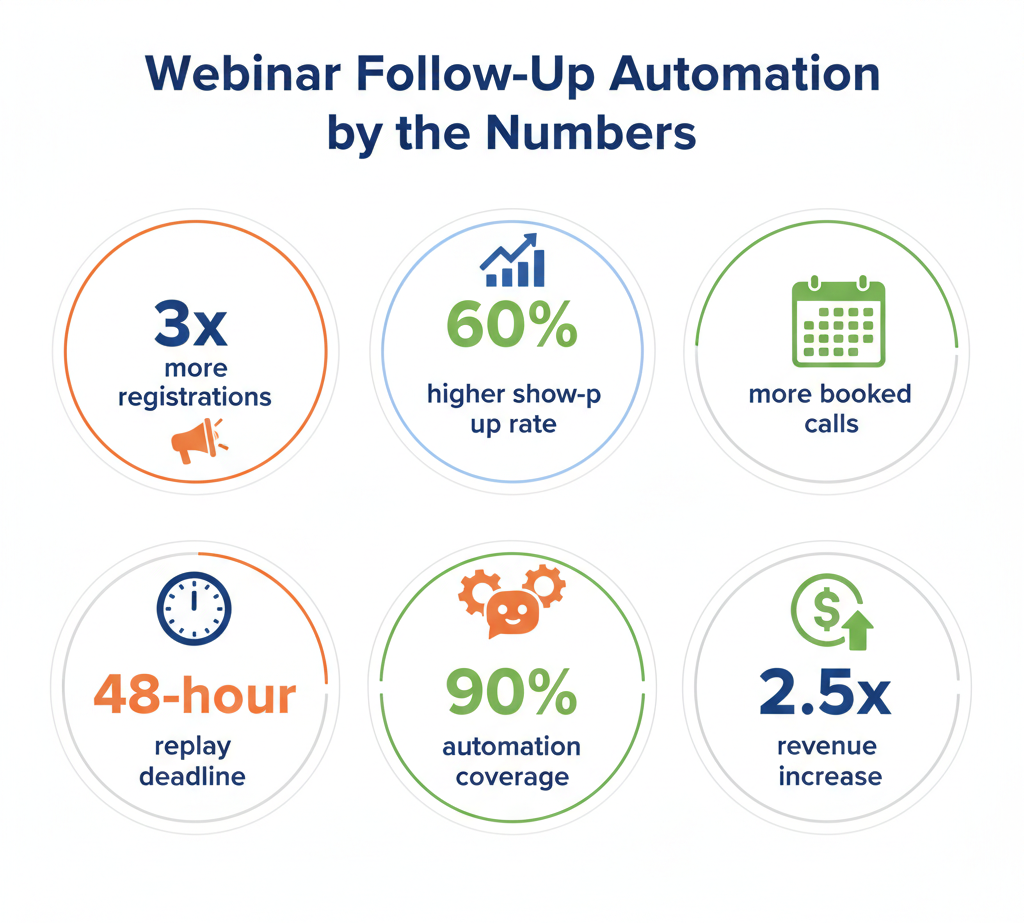
This alone can increase show-up rates by 30–60%.
Attendance Tracking
Segment your audience into:
- Attended full
- Attended partial
- No show
Each group should receive different follow-up messaging.
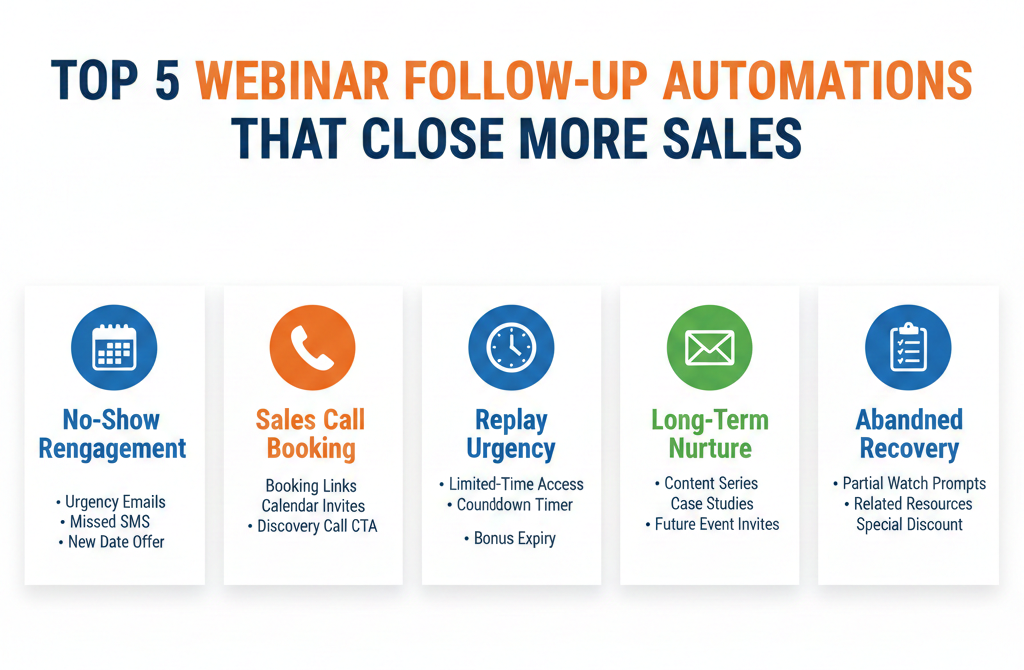
Replay Sequence
Evergreen means flexibility. Some leads will miss it.
Send:
- Immediate replay link
- 24-hour reminder
- Deadline urgency email
- Final call email
Scarcity increases conversion.
Sales Follow-Up
Not everyone buys immediately. Your snapshot should include:
- Objection-handling emails
- Case studies
- FAQ responses
- Booking links
- Long-term nurture content
This is where revenue compounds over time.
Step-by-Step Evergreen Webinar Snapshot Setup
Here’s the quick version.
Step 1: Import the Snapshot
Go to Snapshots, import it, and confirm workflows, tags, and pipelines loaded correctly. Run a quick test.
Step 2: Set Up Your Pipeline
Create stages:
Registered → Attended → No Show → Booked Call → Closed Won → Closed Lost
This helps track every lead.
Step 3: Customize the Funnel
Update branding, headline, video, and form.
Connect the form to your workflow and test it.
Step 4: Set Reminder Automation
Trigger: Form submission
Actions:
- Confirmation email and SMS
- 24-hour reminder
- 1-hour reminder
- Live link
Step 5: Add Attendance Tags
Use tags like
Attended, No Show, Watched 75%
These control follow-ups.
Step 6: Automate Replay & Sales
No-shows → Send reply + deadline
Attendees → Send bonus + booking link
Optimizing Your Evergreen Webinar for Maximum Conversions
Once your snapshot is live, optimization becomes the focus.
Improve Show-Up Rates
- Add SMS reminders
- Include calendar add-to-event link
- Use subject line curiosity
- Send a reminder 15 minutes before
Increase Engagement
- Open with a strong hook
- Address common pain points early
- Include lifestyle interaction cues
- Add limited-time bonuses
Boost Sales Calls
- Place the booking link multiple times
- Mention urgency
- Include testimonials
- Use email sequences for objections
Small adjustments can significantly increase ROI.
Advanced Automation Tips
Once your basics are working, consider these enhancements.
AI Chatbot Integration
Add a chatbot on your reply page to:
- Answer FAQs
- Qualify leads
- Book calls
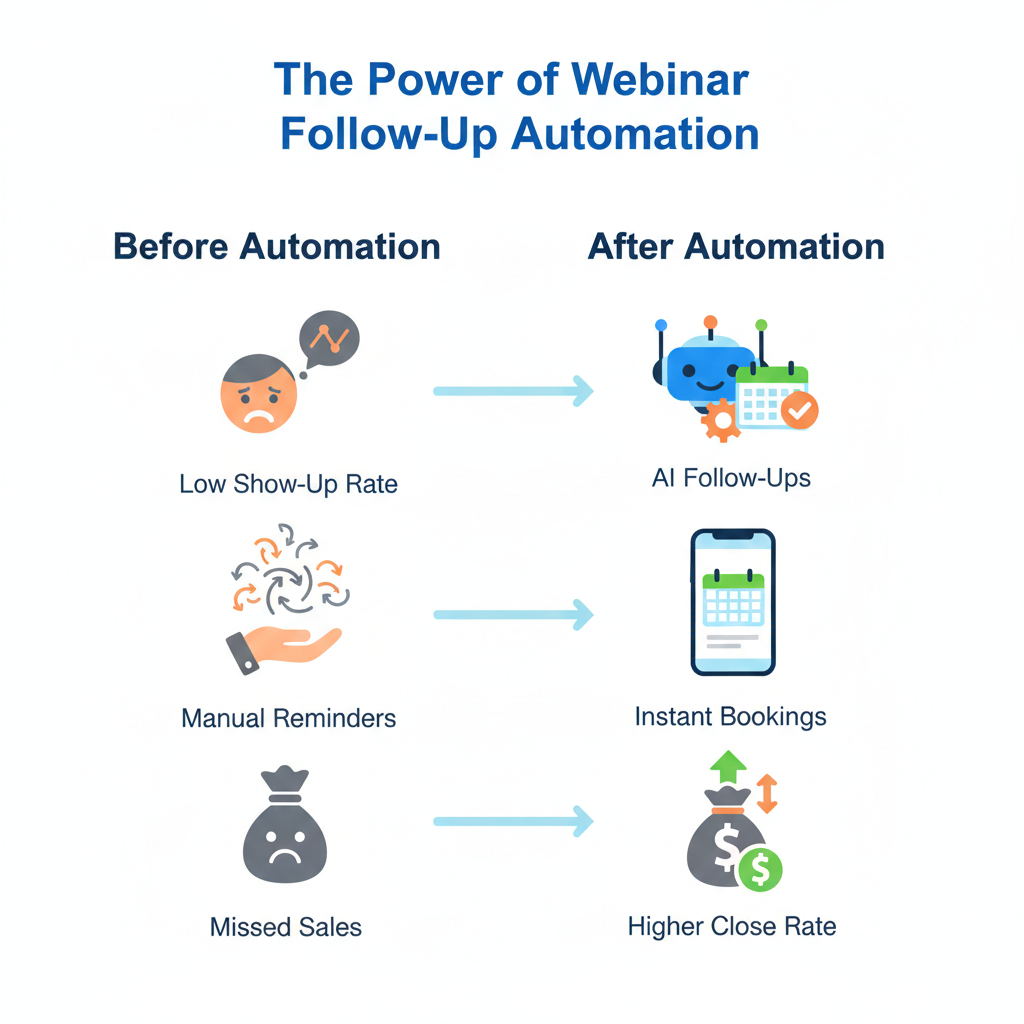
This increases conversion without manual effort.
Behavior-Based Segmentation
Trigger follow-ups based on:
- Link clicks
- Video watch duration
- Booking page visits
This allows hyper-relevant messaging.
Long-Term Nurture Campaign
Some leads buy months later.
Create:
- Weekly value emails
- Future webinar invites
- Educational content
- Soft call to action
Evergreen doesn’t mean short-term.
Evergreen Webinar Snapshot for Agencies
If you run an agency, this system becomes even more powerful.
You can:
- Clone the snapshot for clients
- Customize branding
- Offer webinar automation as a service
- Package it into SaaS
This transforms you from a service provider into a systems provider.
Frequently Asked Questions
What is the difference between live and evergreen webinars?
Do I need a webinar hosting platform?
How long should an evergreen webinar be?
Can I automate sales calls after the webinar?
How soon will I see results?
Is there any recurring fee after the $997?
No. It’s a one-time fee for lifetime access.
Can I white-label this for clients?
Yes, especially if you’re on GoHighLevel SaaS mode.
Conclusion
An Evergreen Webinar Snapshot setup is more than just a funnel; it’s a complete automated sales system.
When built correctly inside GoHighLevel, it captures leads, nurtures them, segments them intelligently, and moves them toward a purchase decision without constant manual effort.
The real power comes from automation combined with personalization. Every reminder, follow-up, and nurture email works together to guide prospects through a structured journey.
If you’re serious about scaling webinars without burning out, implementing a smart evergreen system is one of the highest-leverage moves you can make.